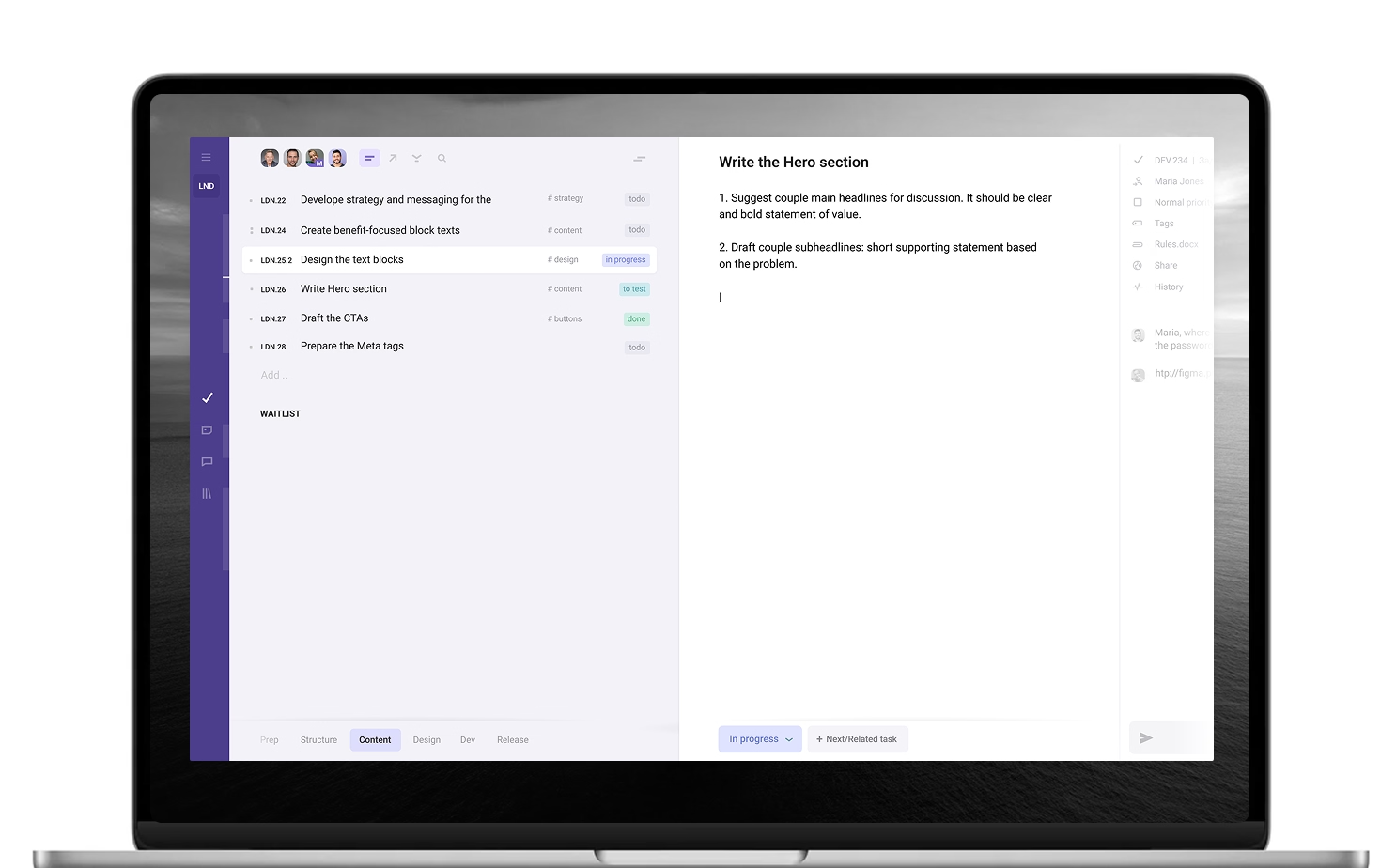
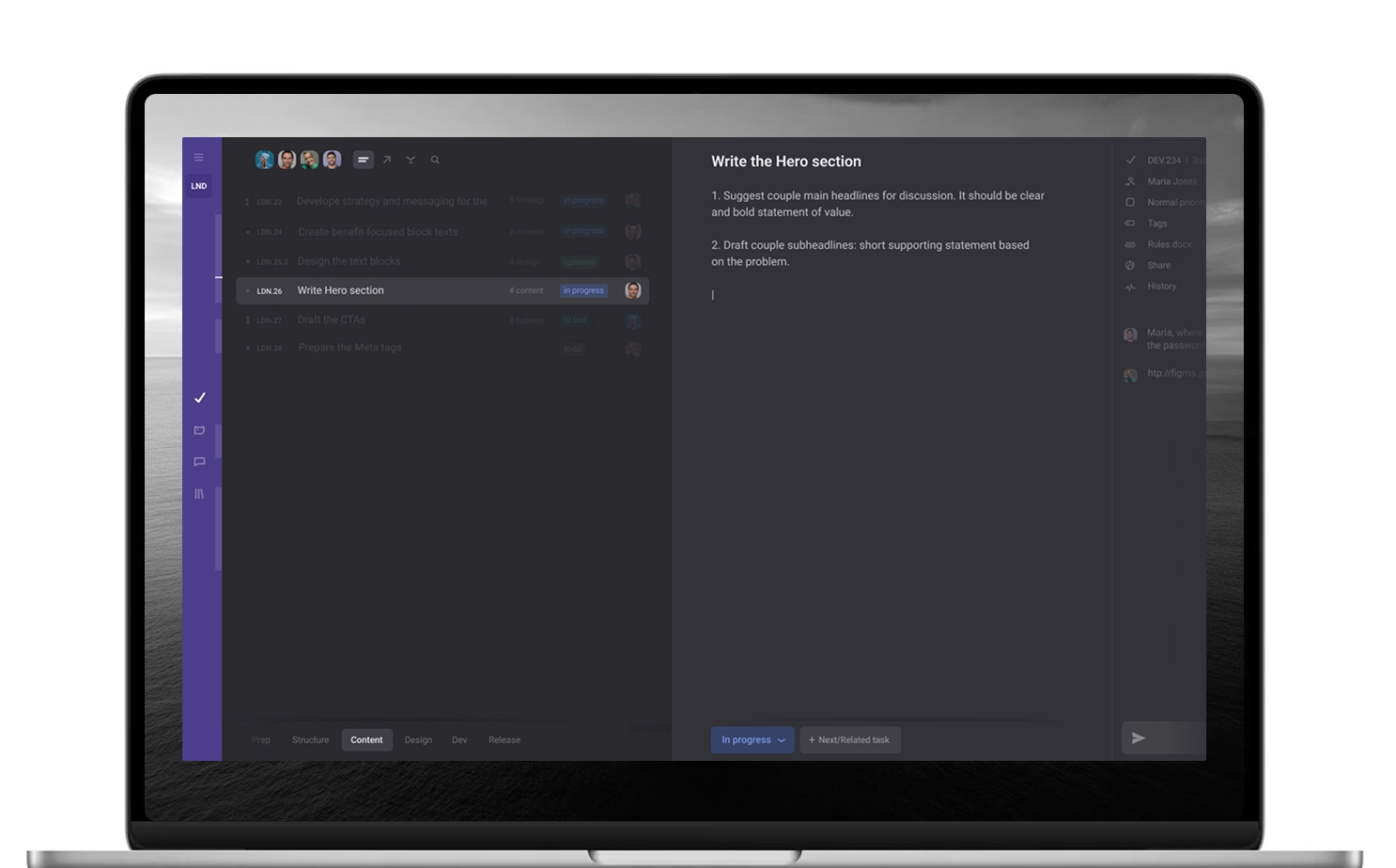
Consolidate resources, context and team – by chaining related tasks, events, people and data
Improve team coordination and communication – by chaining jobs-to-do and context together
Keep history and context integrity – by chaining versions, edits, add-ons, follow-ups, approvals
Let team easily switch, keep, access and use work context – by chaining scattered information
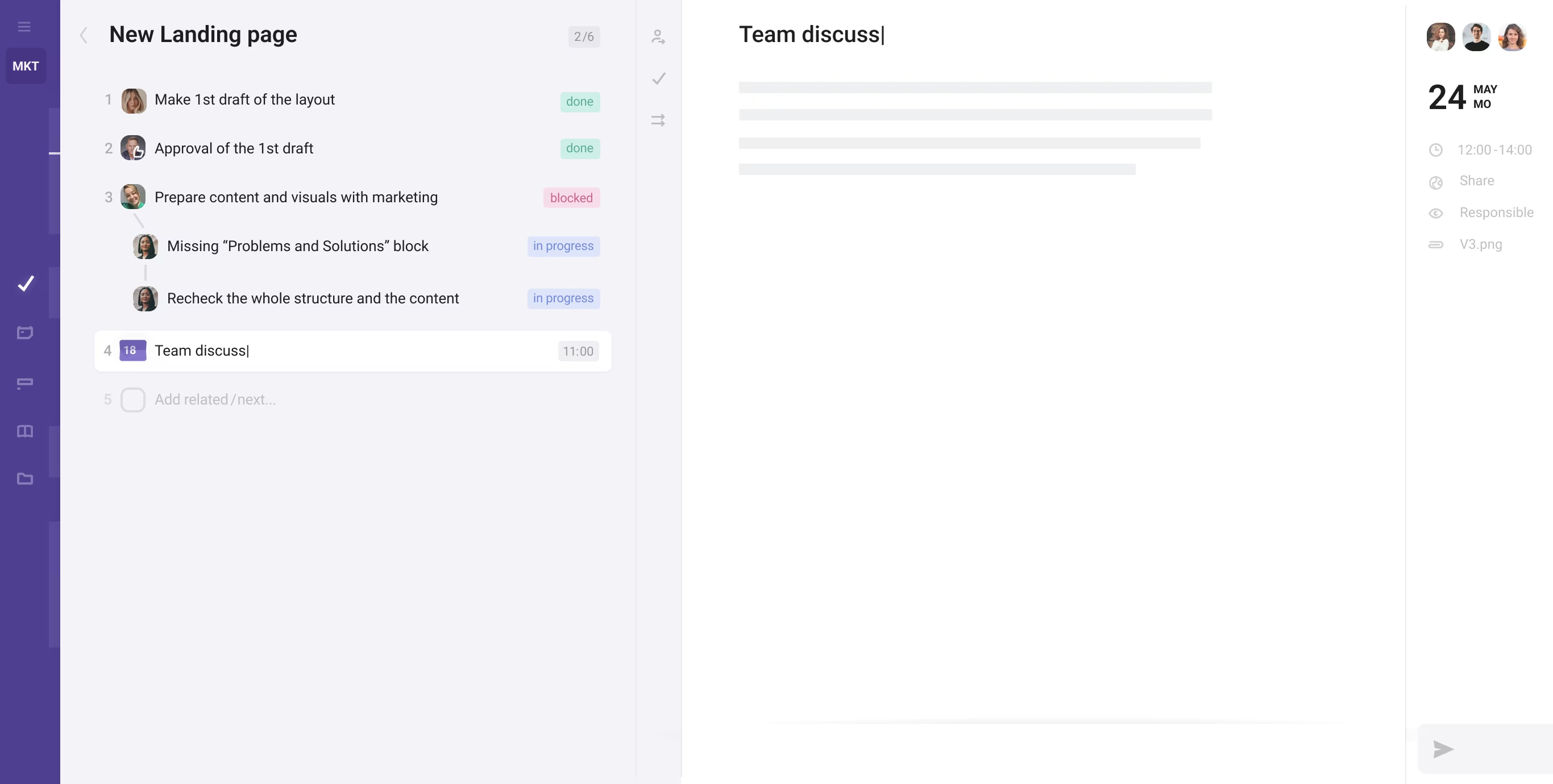
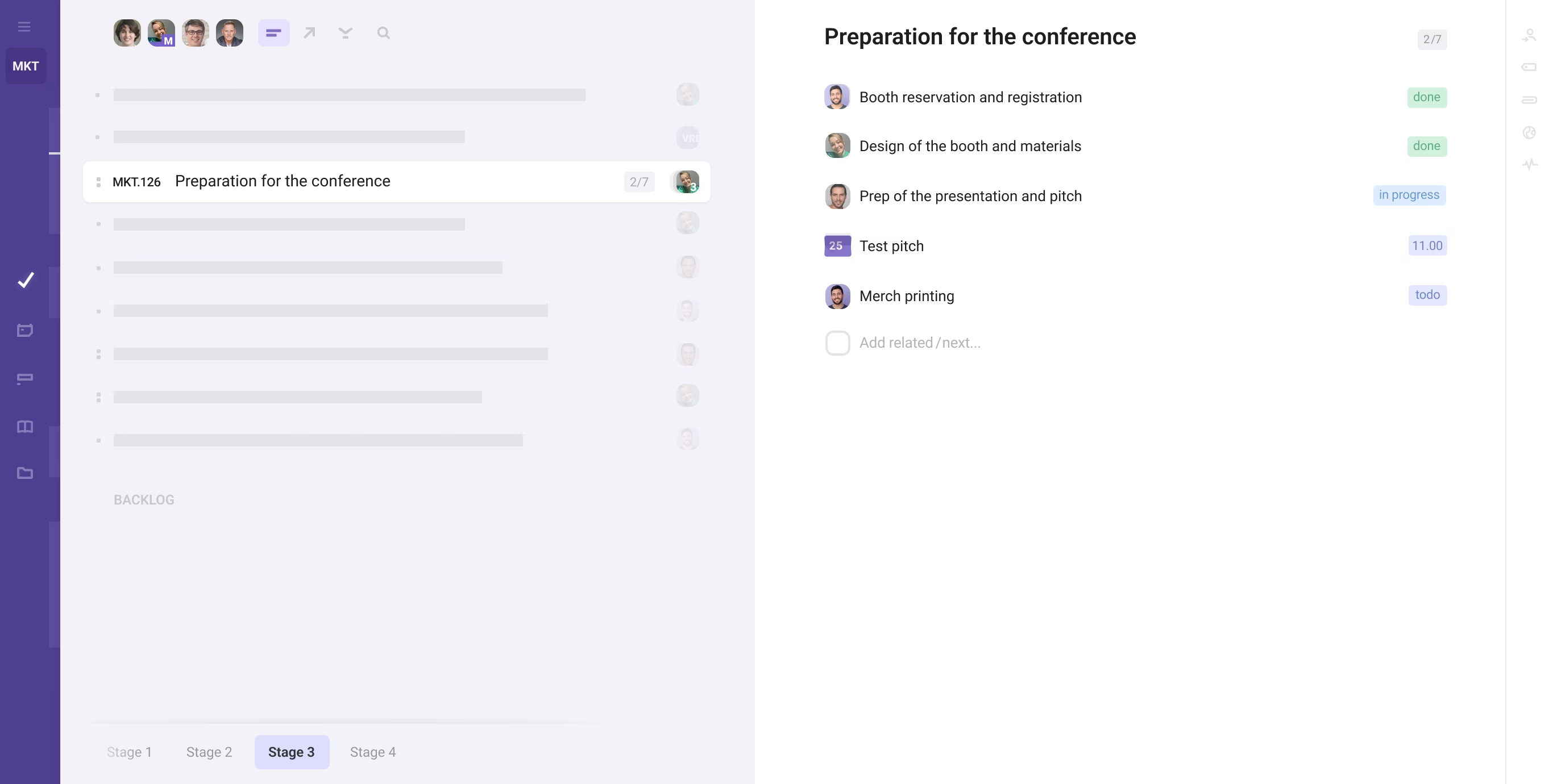
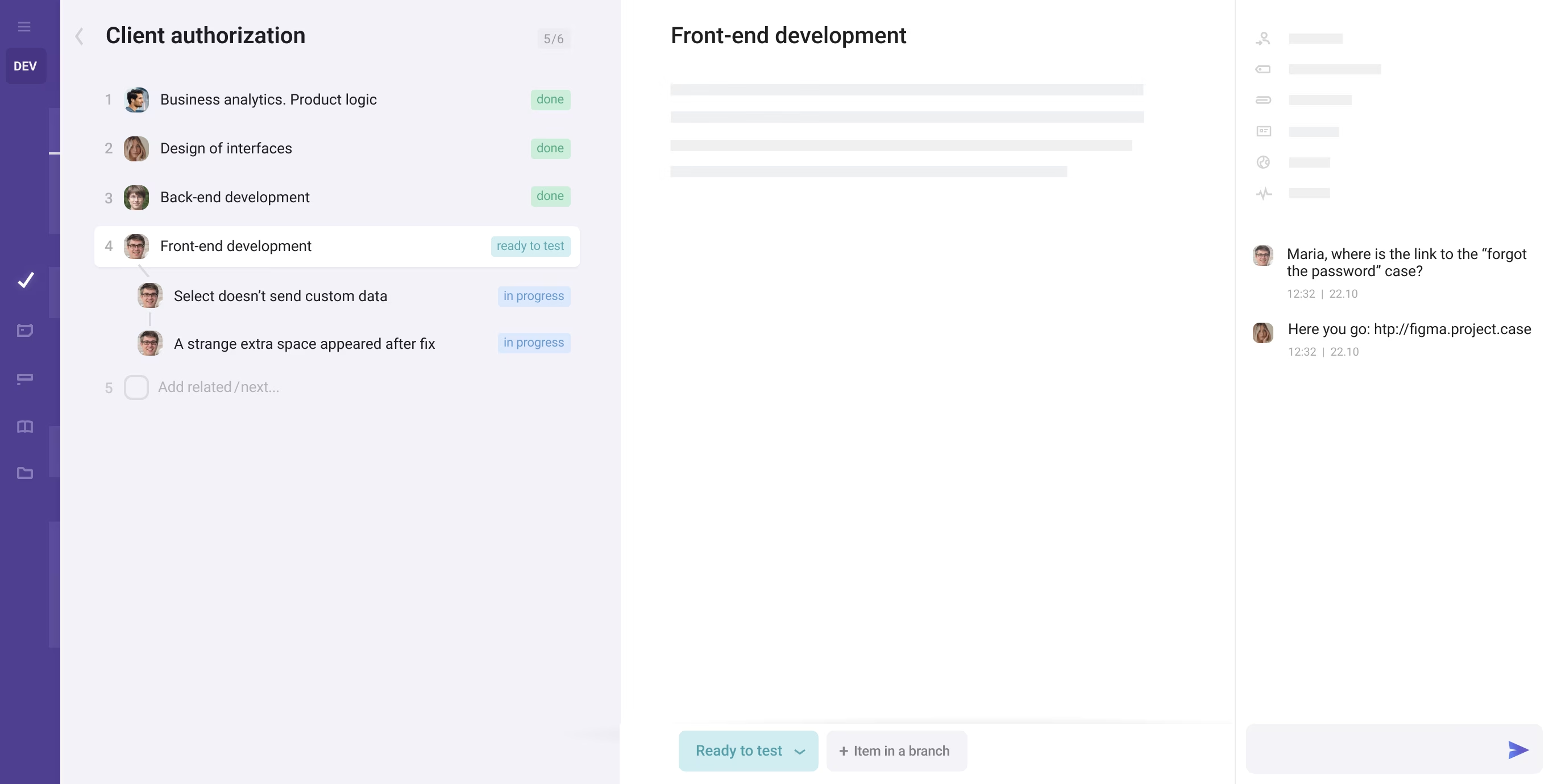
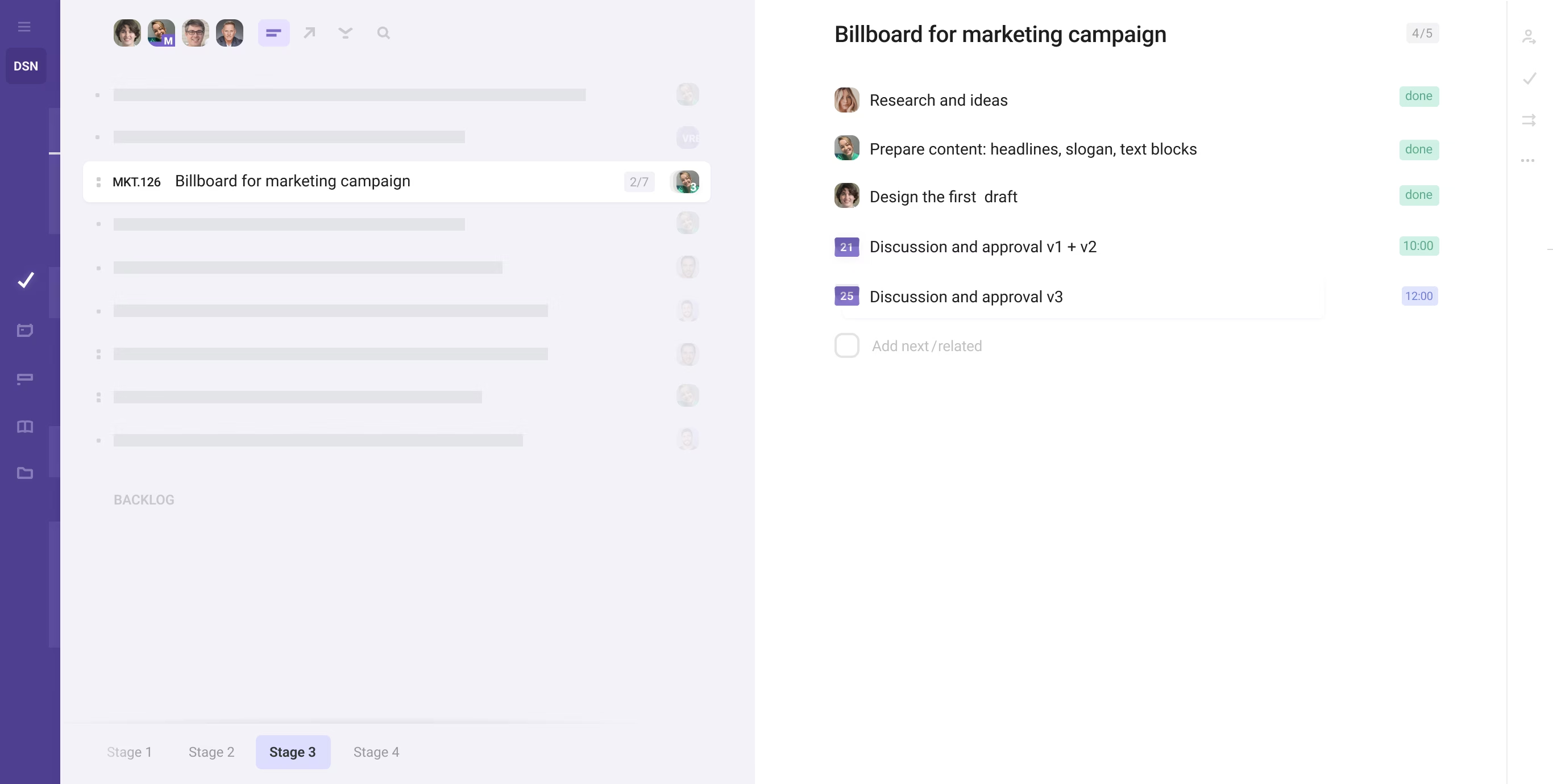
Leverage scenarios and step-by-step plans to maximize efficiency
Establish a clear, structured order for personal and team tasks
Prevent extra interpretations by predefining concrete way to go
Apply ready-to-use templates for assignments and workflows
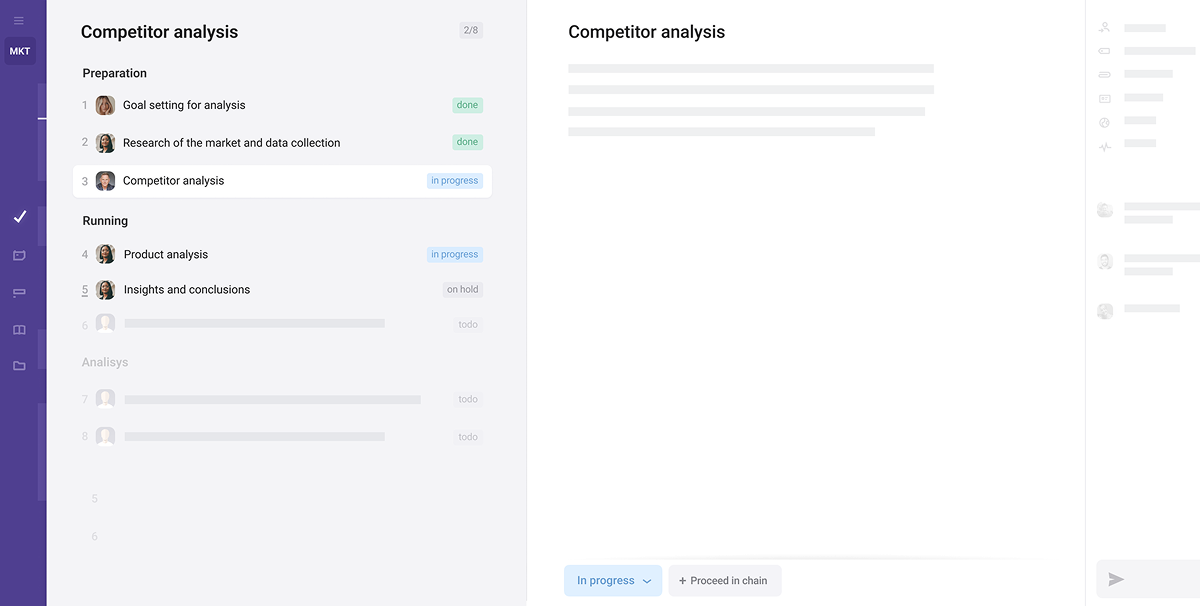
Structure teamwork and record chain of events just by working
Keep team in a loop to coordinate work and meet the deadlines
Use chain history as retrospective, for better decision making
Handle bottlenecks, ping-pongs & deviations through branches
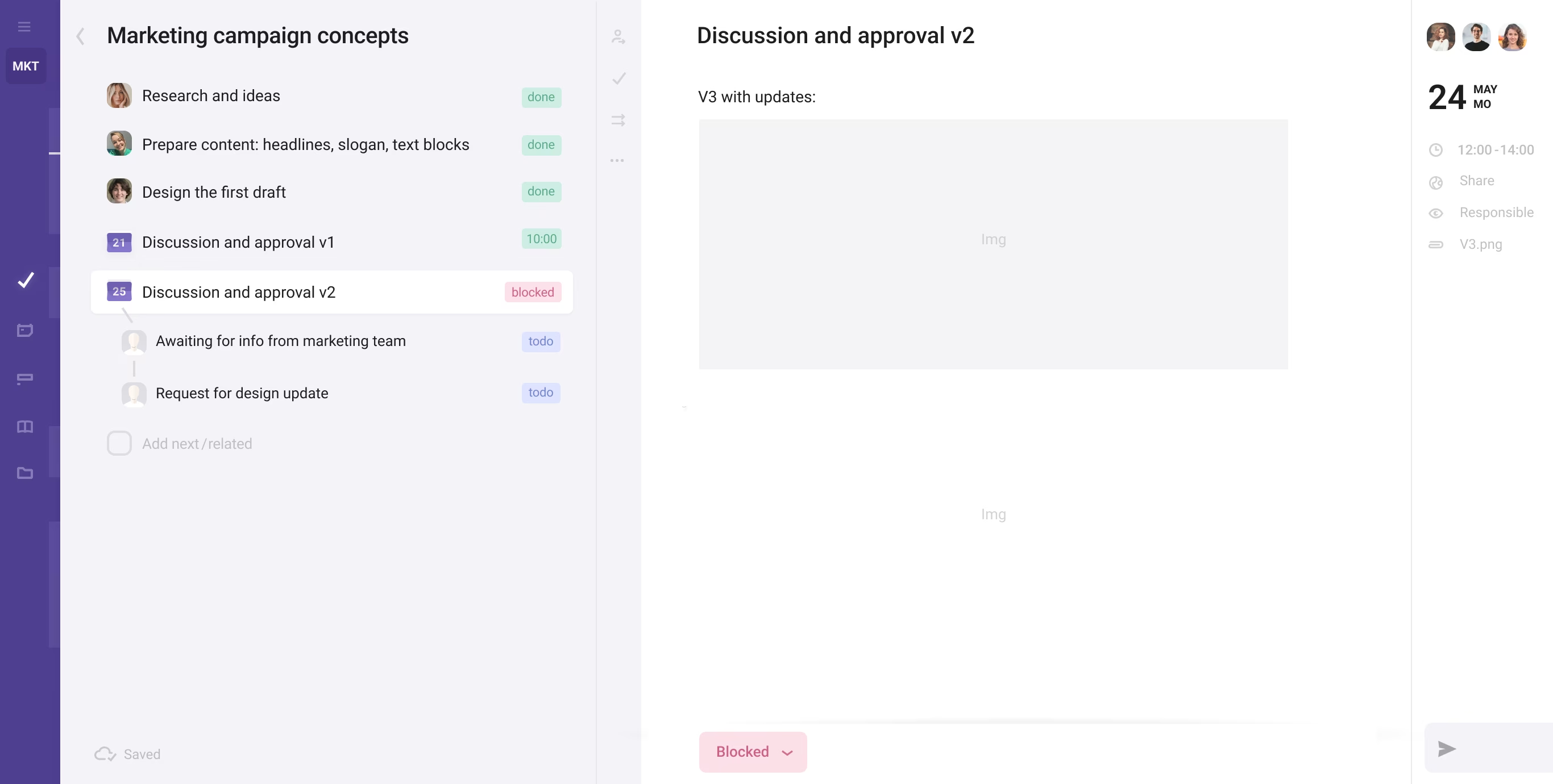
Recall any random task in your team. Think of relations it has to other tasks, goals, objectives, actors or processes. Most of work is connected. That’s what Chains are – an easy way to visualize and organize resources and connections.
Chains are used alongside regular tasks as a new organizational principle. Since the work consists of local goals, the chain’s first purpose is to plan,
gather and streamline resources and context toward those objectives. The second purpose is to record, structure and track ongoing team work.

1. Structuring & tracking teamwork
2. Full context while working on objectives
3. Micromanagement and coordination
4. Valuable knowledge
5. Bottlenecks

1. Team tasks, actions and interactions are chained
2. Related tasks and data live within one linked interface
3. Teamwork is visualized and trackable for all participants
4. History and knowledge are kept where work happens
5. Unexpected events are tracked in branches
Three basic items – tasks, meets, approvals – can form chains either in their original state or any other, like actions, add-ons, changes, variants,
follow-ups, branches, discussions.. Chain’s items (steps) can be both predefined or added on the fly. Apply chaining in company-wide cases..
Approvals

Marketing Campaign
New Feature
Competitor Analysis
Product/Line Launch
Hypothesis Testing
Agreement/Doc Approval
Client Accounting
Prototype Development
Bug Fix
New Feature
Code Review
A/B Testing
Landing Page
Incident Response
API Development
Social Media Campaign
Email Marketing
SEO Optimization
Product Launch
Ad Campaign
Landing Page
Content Creation
Customer Research
Lead Acquisition
Lead Qualification
Proposal & Contracting
Client Onboarding
Client’s Project
Consulting Engagement
Support & Retention
Feedback Survey
Agreement/Doc Approval
Quality Assurance
Accounting
Cross-Team Project
Procurement (internal)
Invoice Approval
Proposal and Deal
Incident/Request
Strategic Planning
Budget Planning
Annual Planning
Performance Mngmnt
Risk Management
Resource Allocation
Project Portfolio Mngmnt
Compliance
Client Onboarding
Request Handling
Relationship Nurturing
Invoice Management
Expense Tracking
Payroll
Upsell / Cross-sell
Churn Prevention
Office Management
Document Management
Meeting Coordination
Asset/Inventory Mngmnt
Policy Administration
Event Planning
Office Expenses
Procurement Mngmnt
Recruitment & Hiring
Employee Onboarding
Employee Offboarding
Performance Mngmnt
Learning & Development
Succession Planning
Employee Engagement
HR Policy & Compliance
Budget Planning
Expense Tracking
Invoice Management
Accounts Payable
Accounts Receivable
Payroll Management
Tax Compliance & Filing
Audit Mngmnt
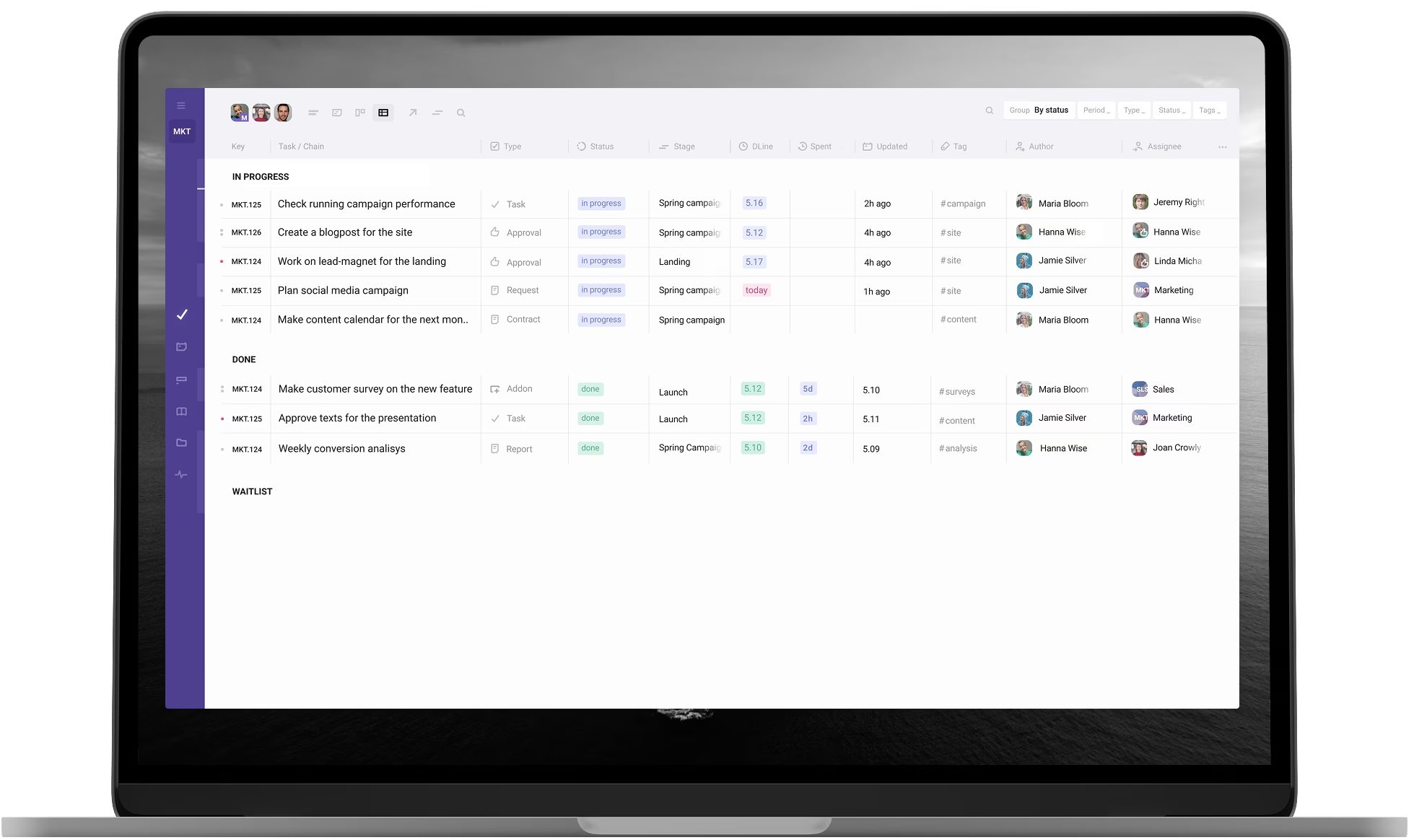
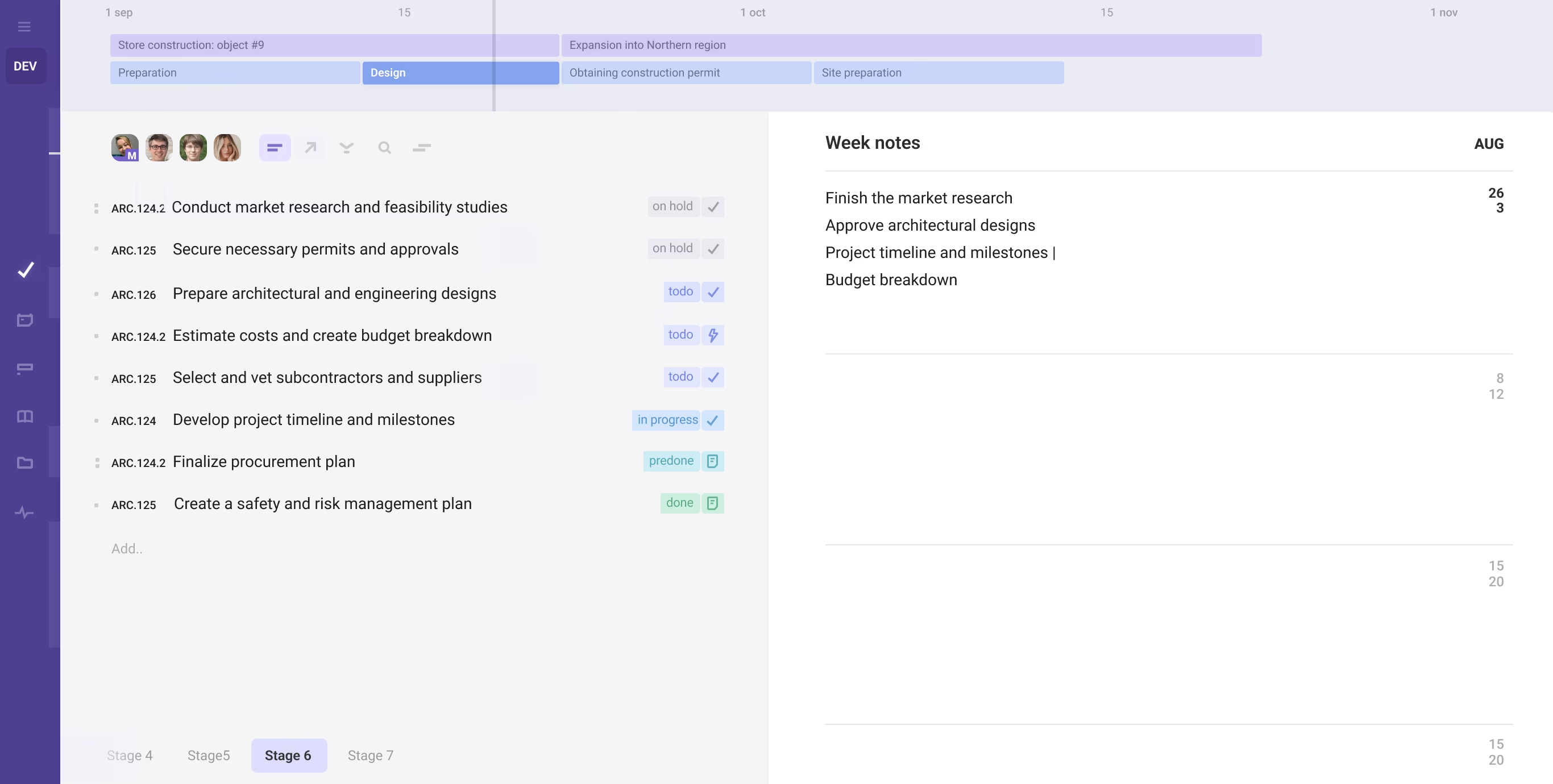
Assign, manage, work on tasks / chains in List, Table, or Kanban
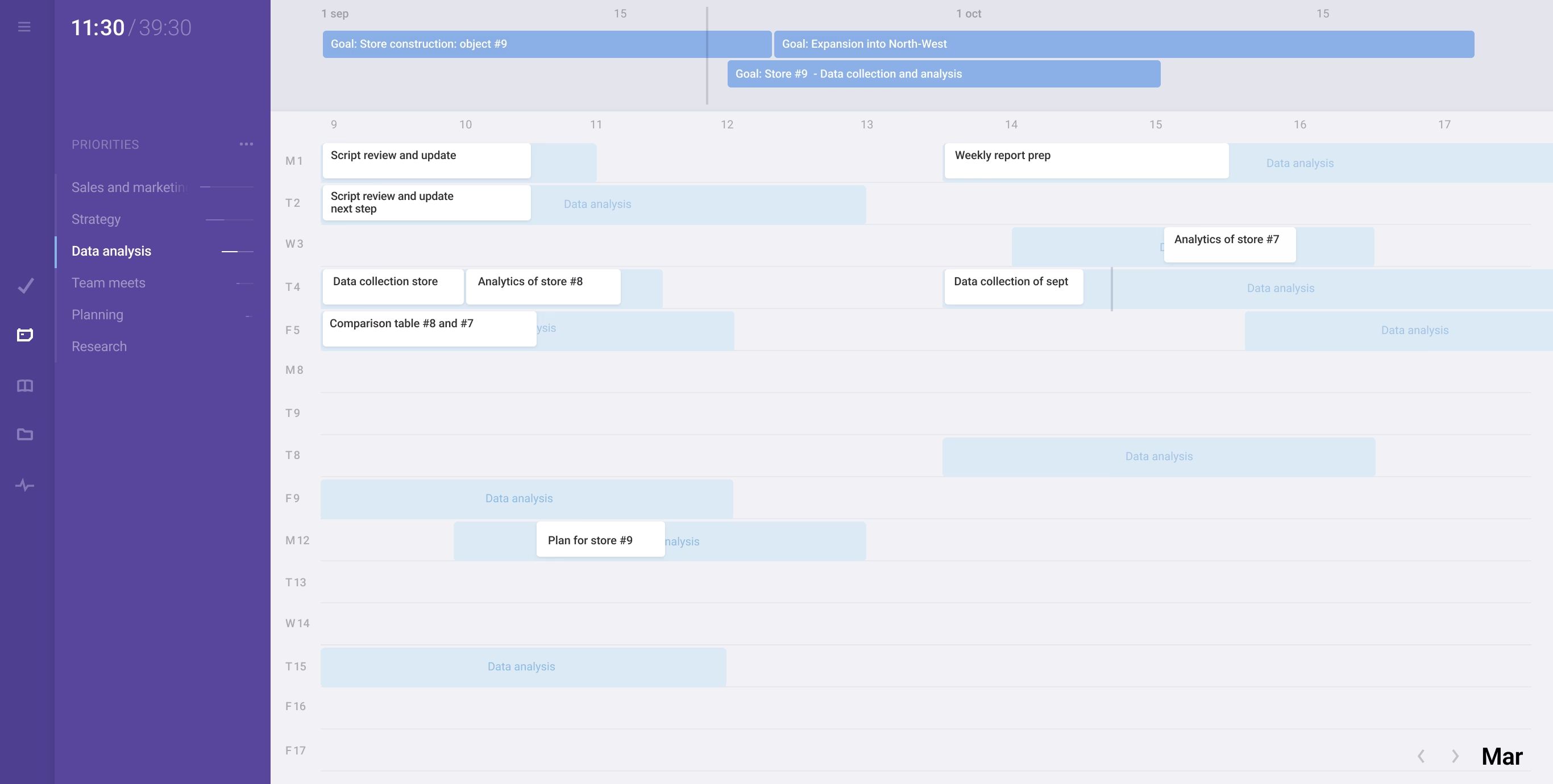
Map out project goals, plans and phases / sprints on one screen
Set project priorities, track time & task progress, control execution
Categorize tasks and processes by tags, types, and custom fields
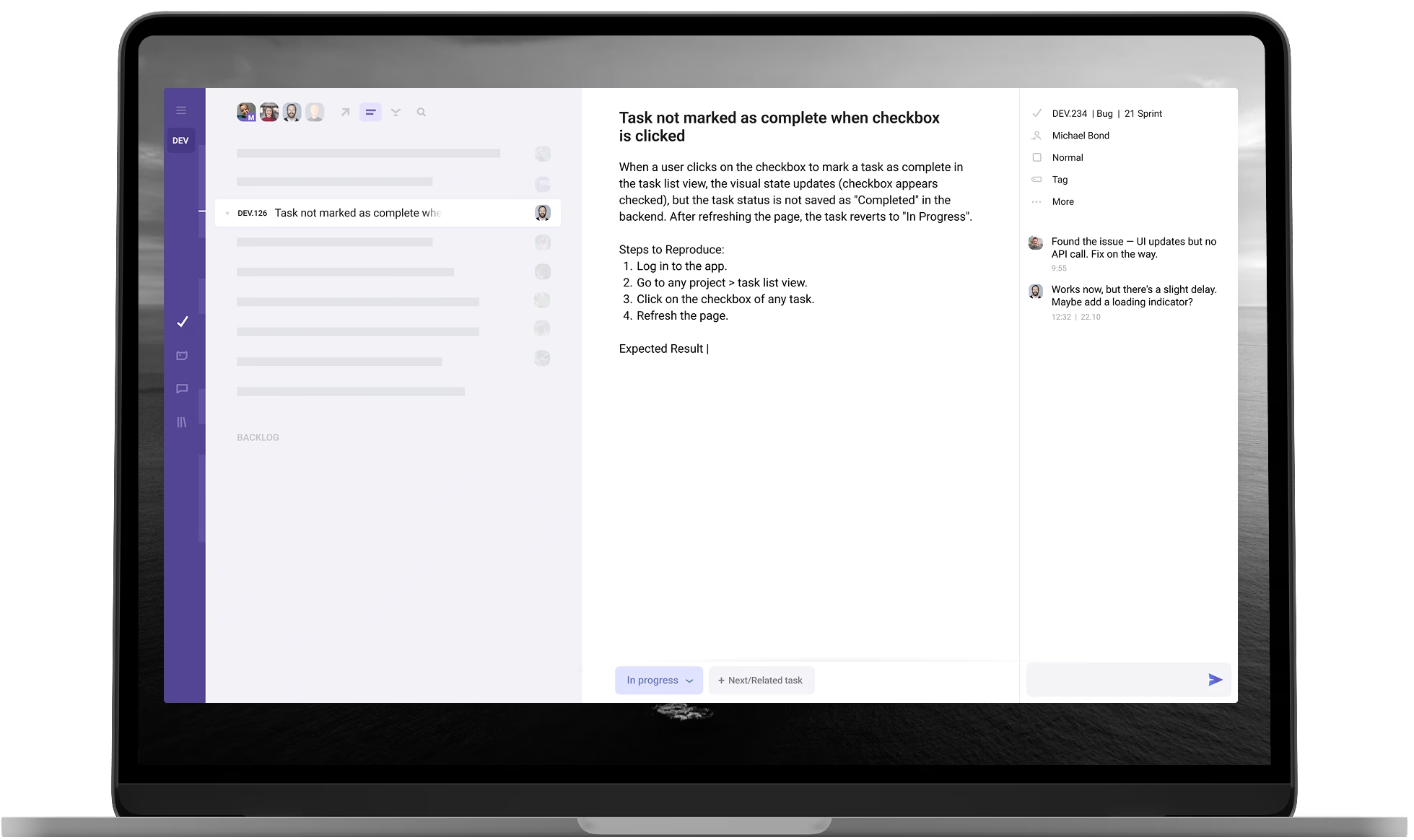
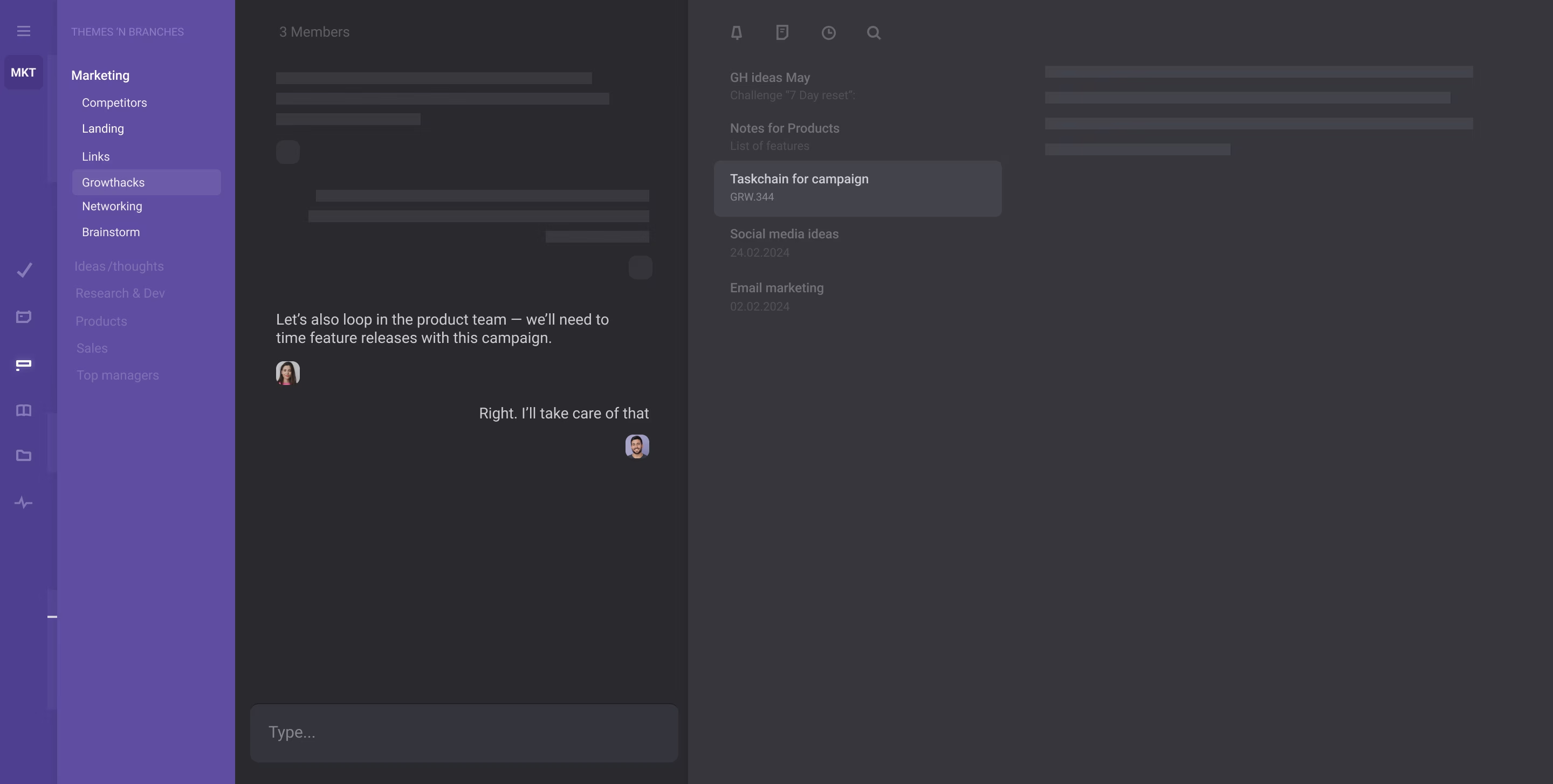
Collaborate in contextual chats, keep the team focused and aligned
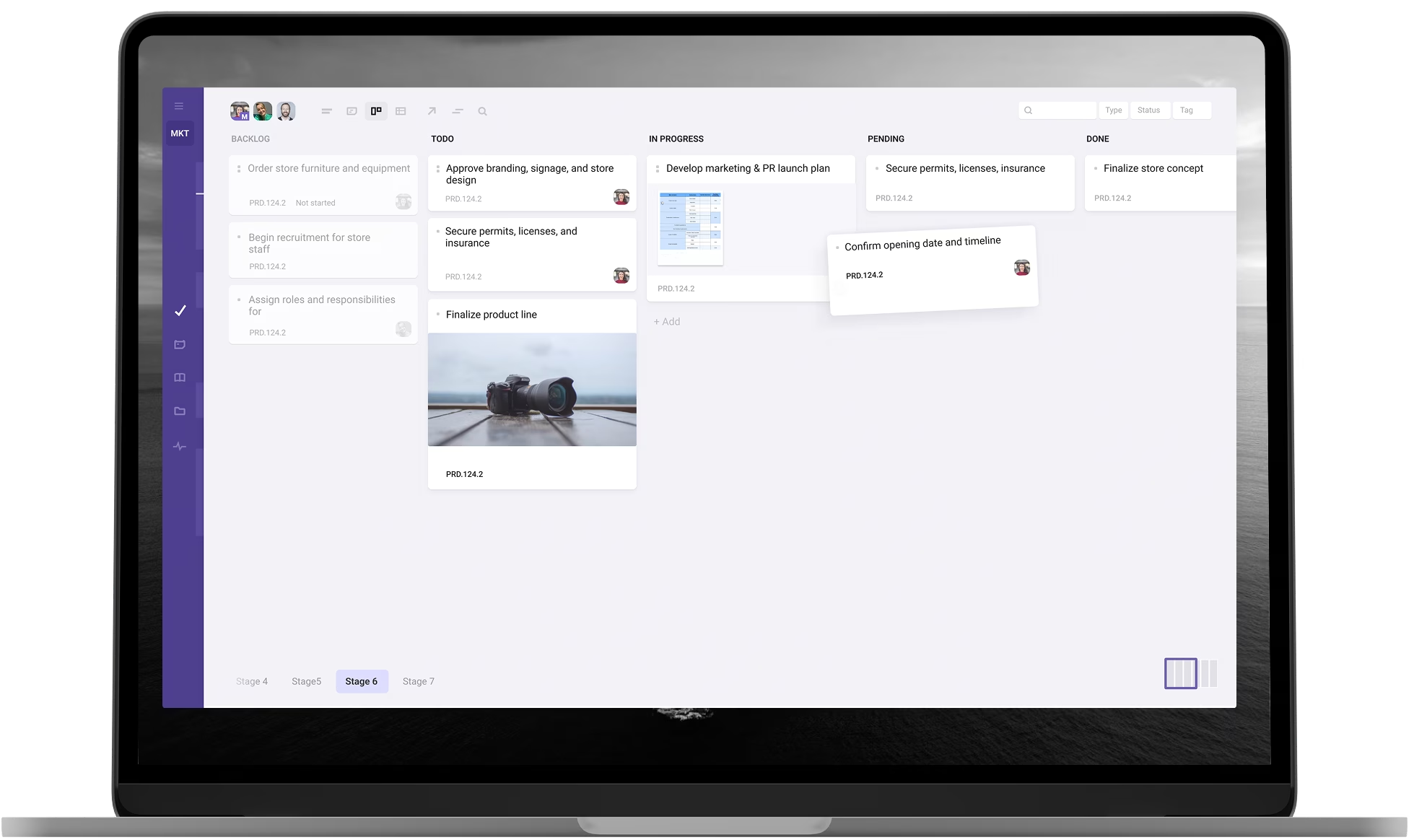
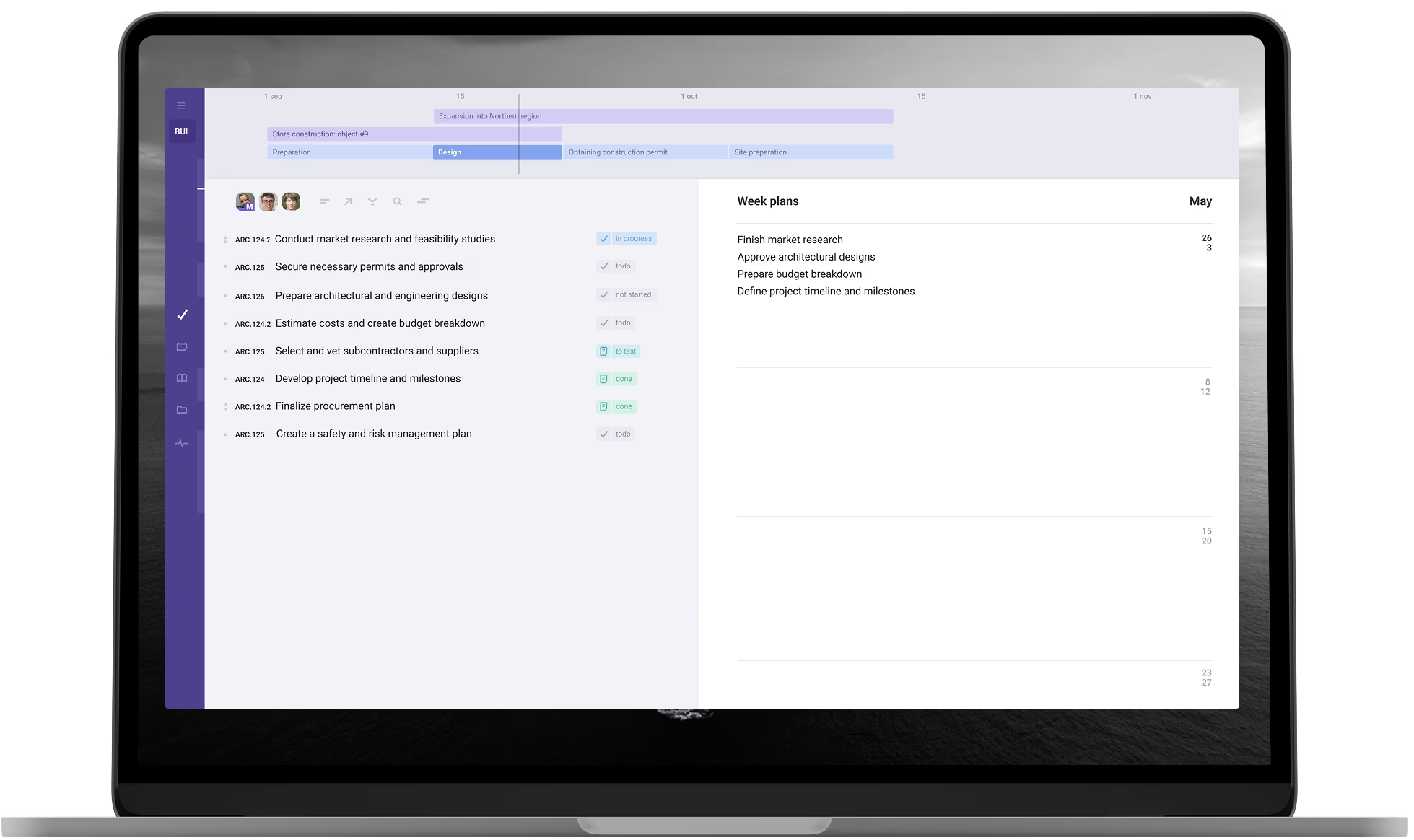
Visualize the roadmap, plans & goals for team on one screen
Filter tasks and chains by phase/sprint to manage parts of work
Keep the team aligned and focused via weekly notes and plans
Use chains as a layer for local planning and team organization
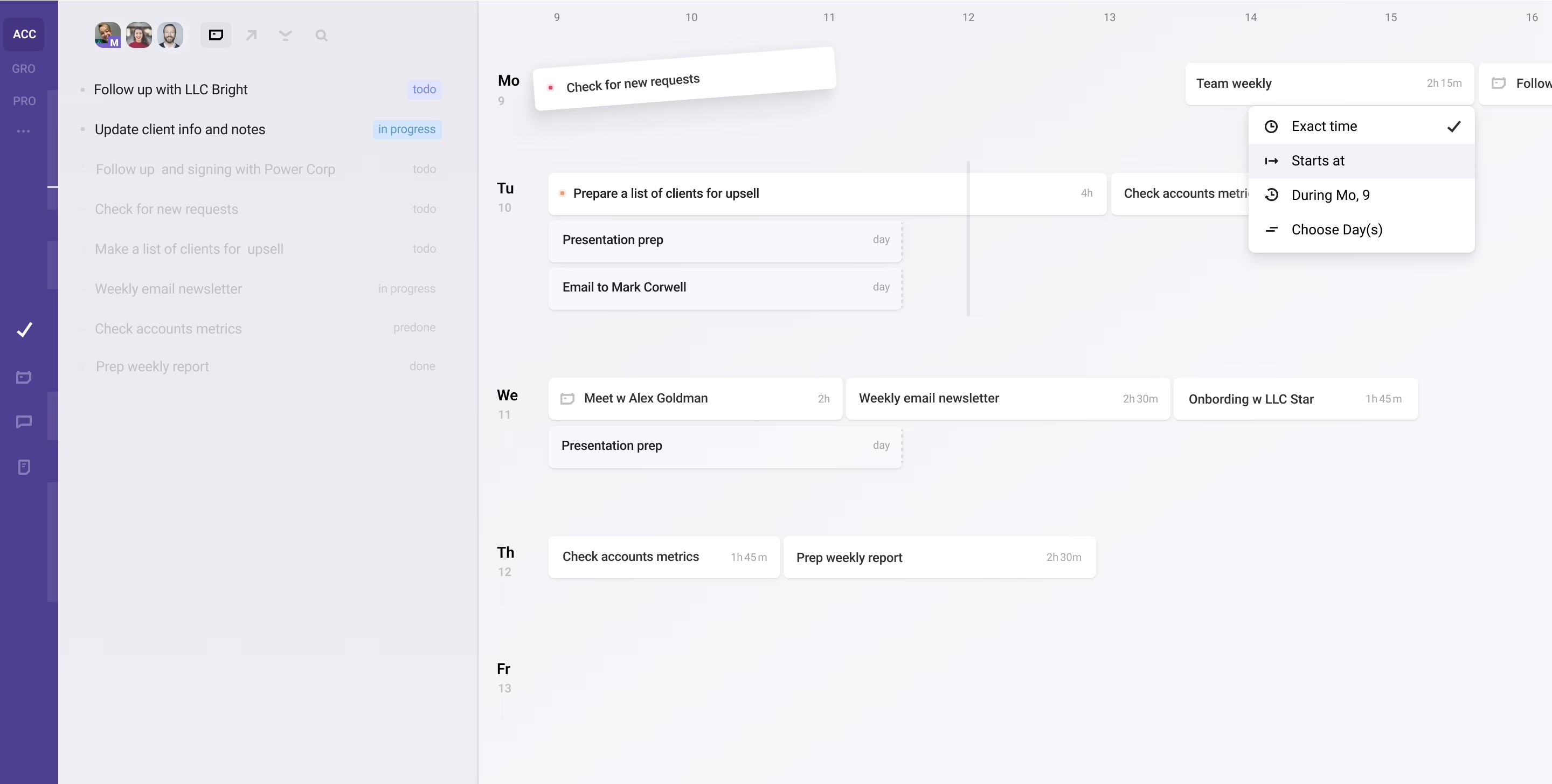
Provide team with a tool for self-organization & time-management
Plan tasks with/without specific time to be context-productive
Visualize time as a measurable and limited resource for the team
Delegate assignees managing their time and share responsibility
Amid all the noise and chaos, we wanted a workspace that fosters focus and harmony — without losing the drive. Acto is the result of a 20-year quest for this balance.
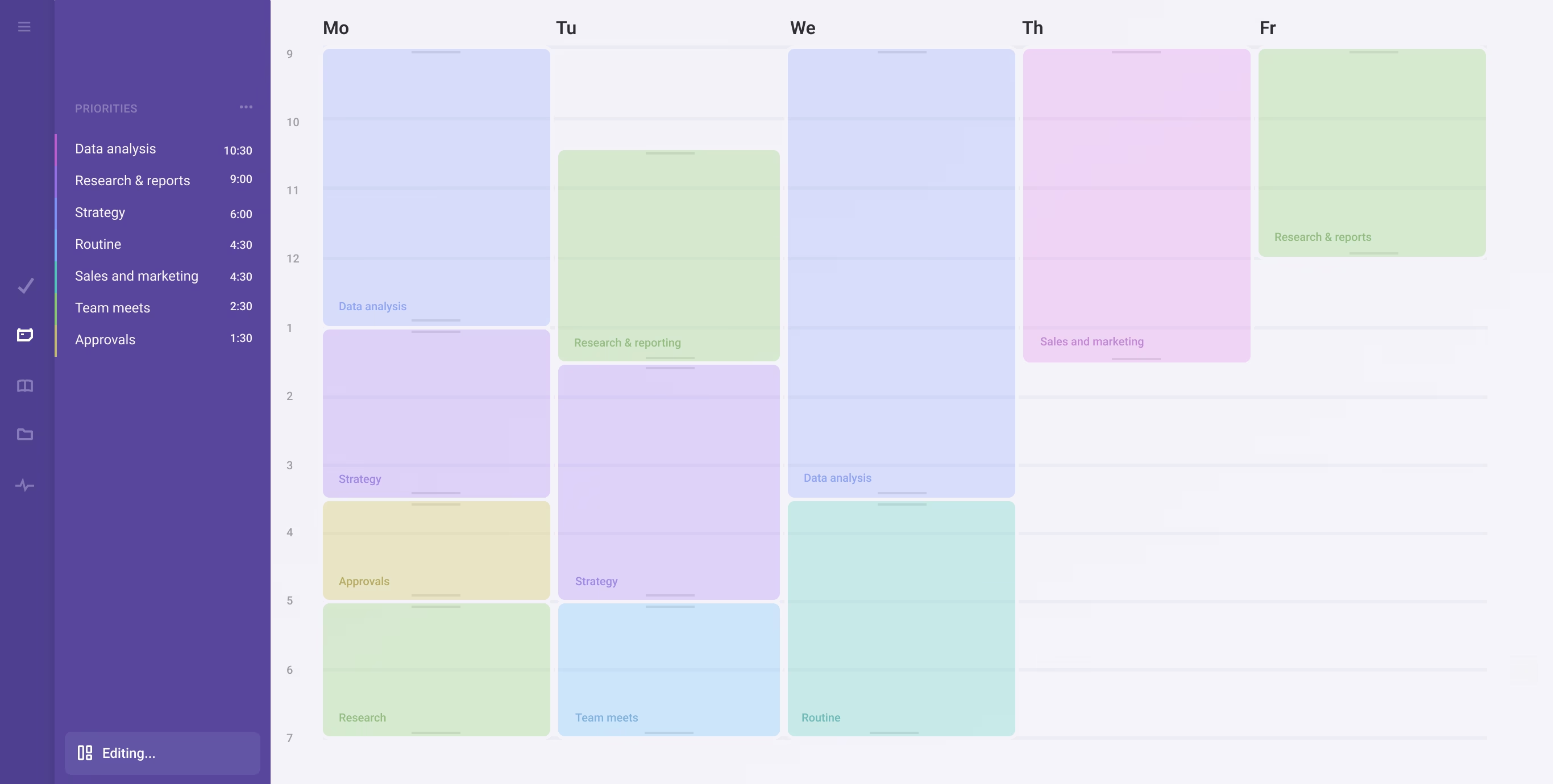
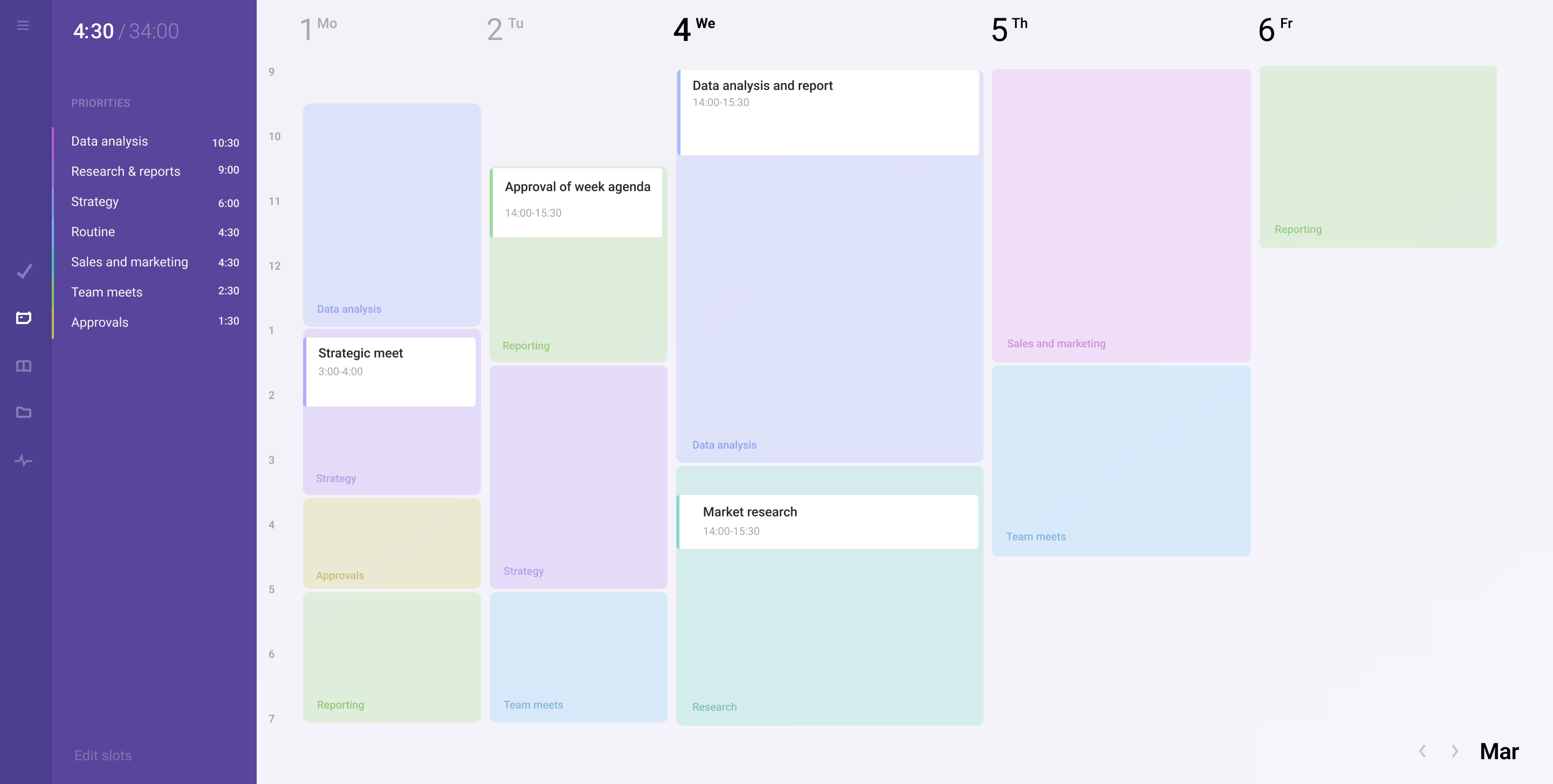
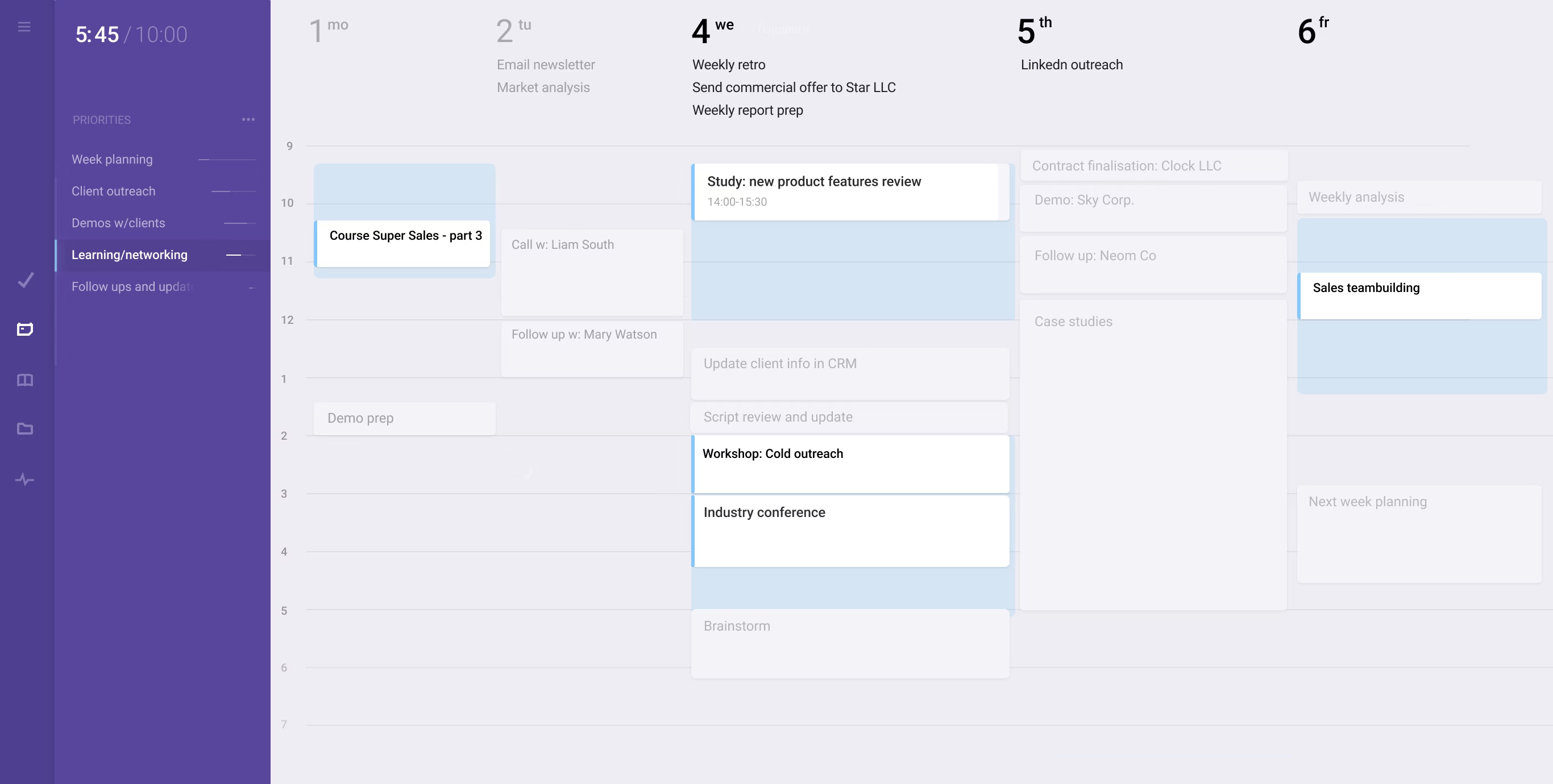
Plan short/long- term on daily, weekly and monthly calendars
Allocate time for what's important by organizing priority slots
Match priorities with your week time to weight them properly
Align personal goals and objectives with priorities and todos
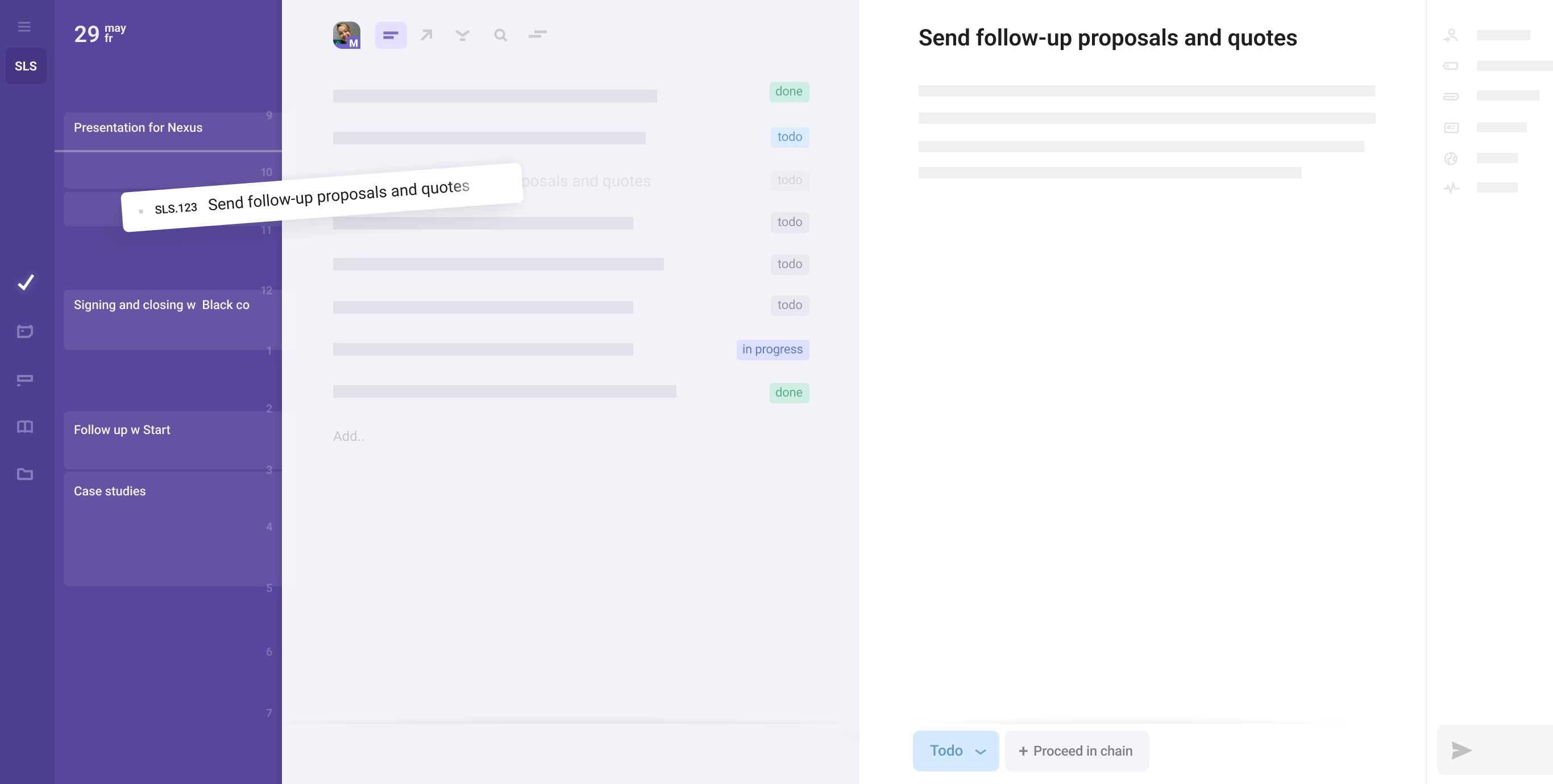
Schedule and track your day, drag-n-drop tasks on daily view
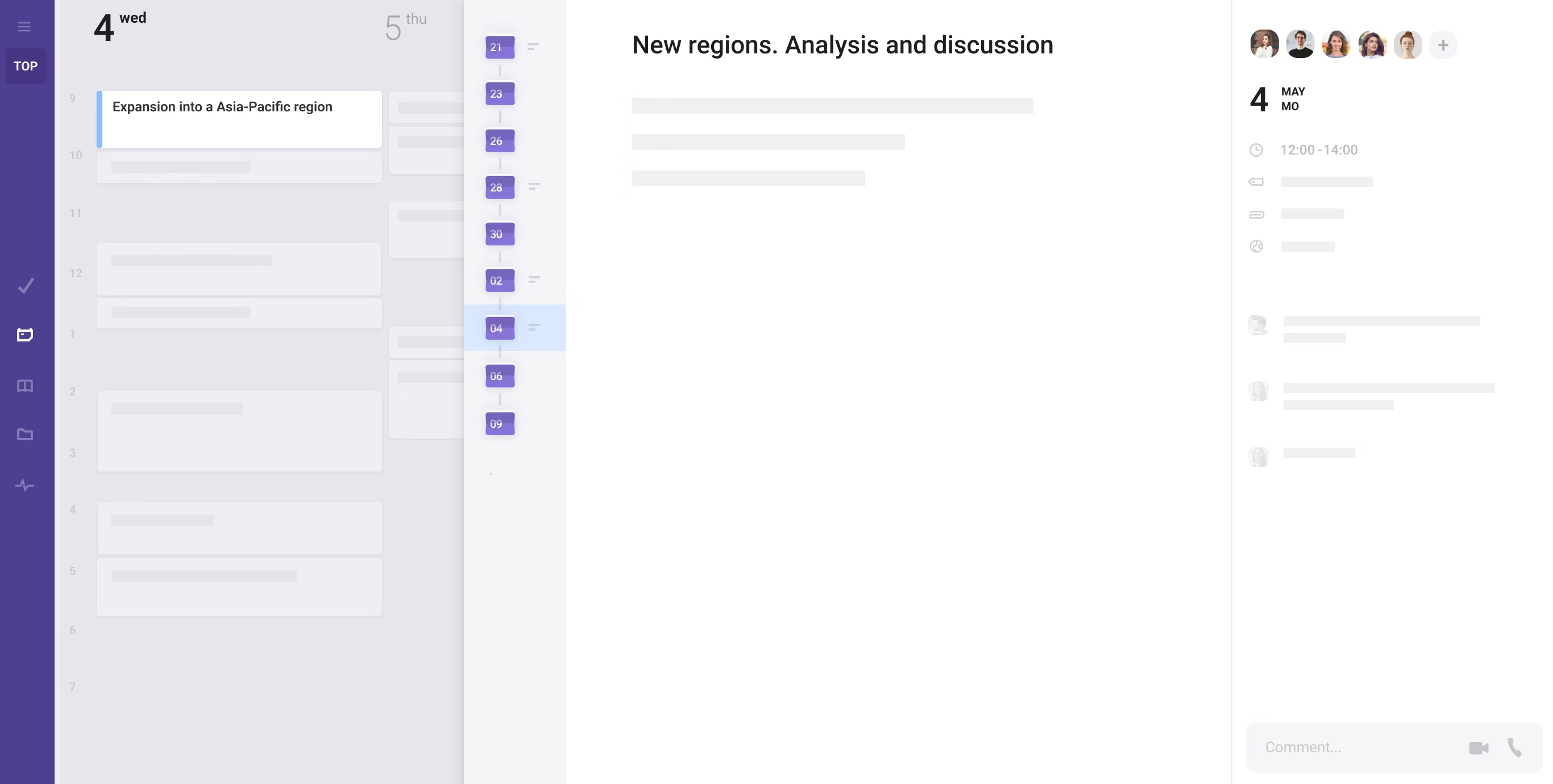
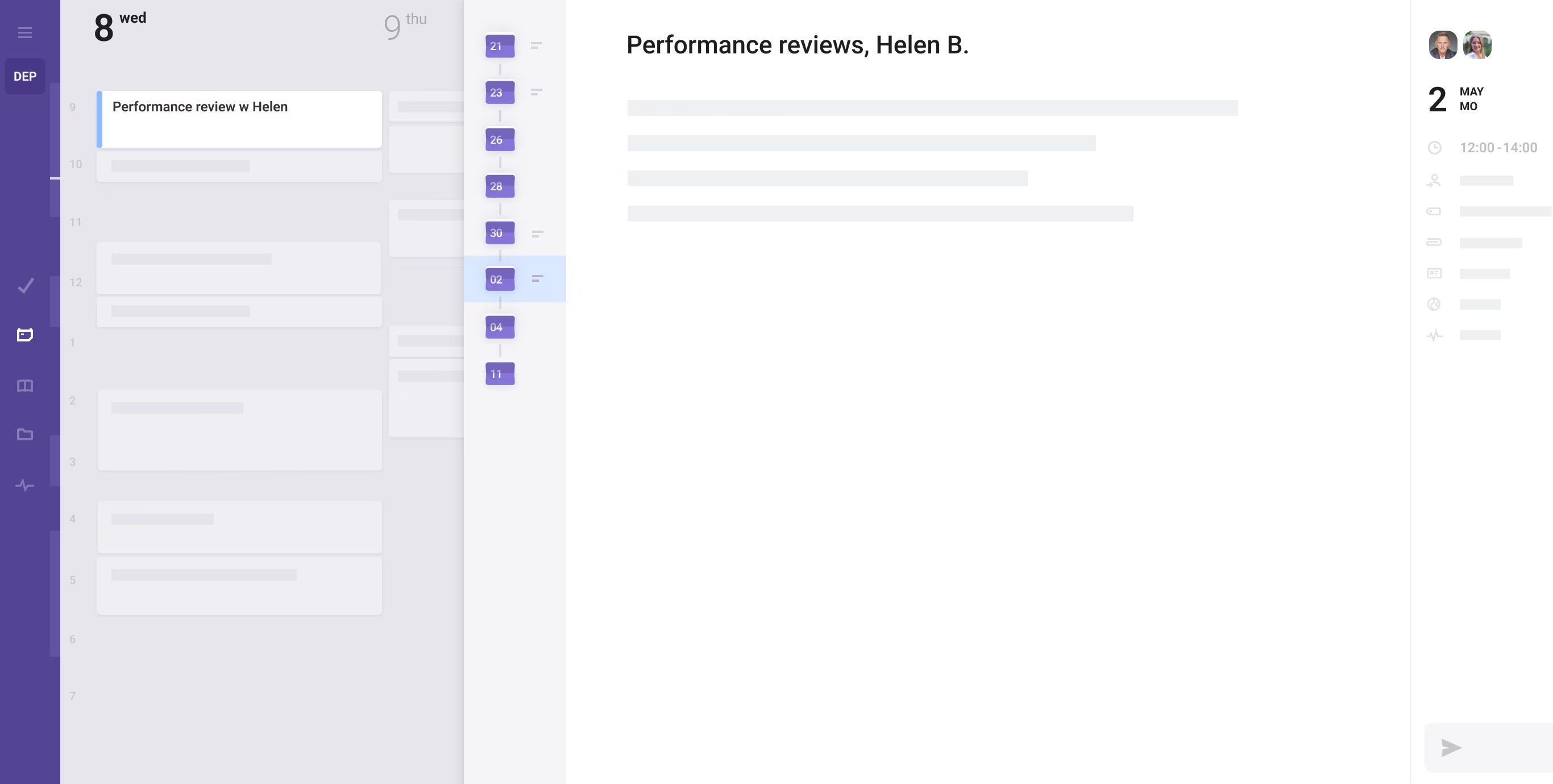
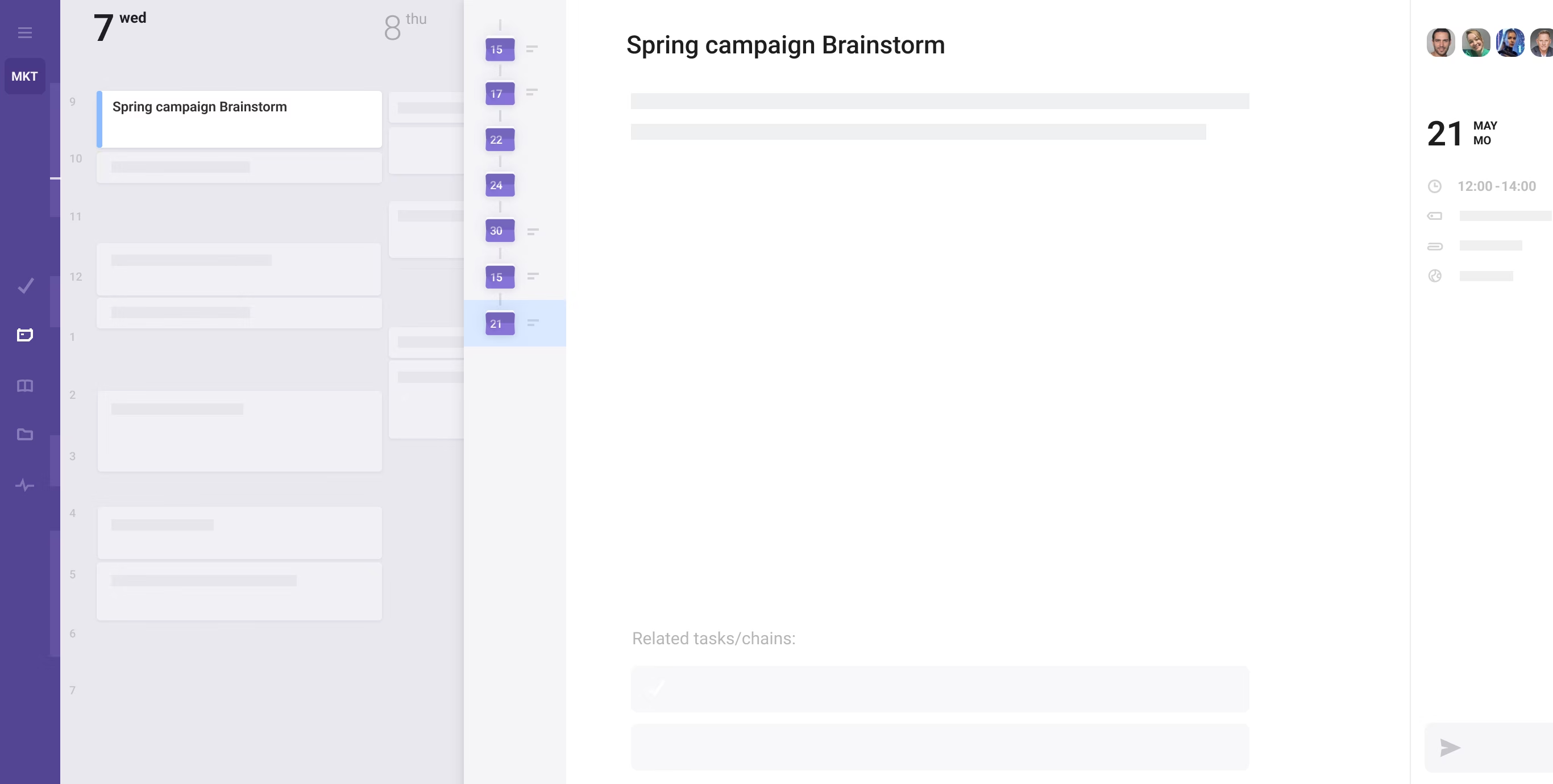
Group recurring meetings on the topic into a seamless flow
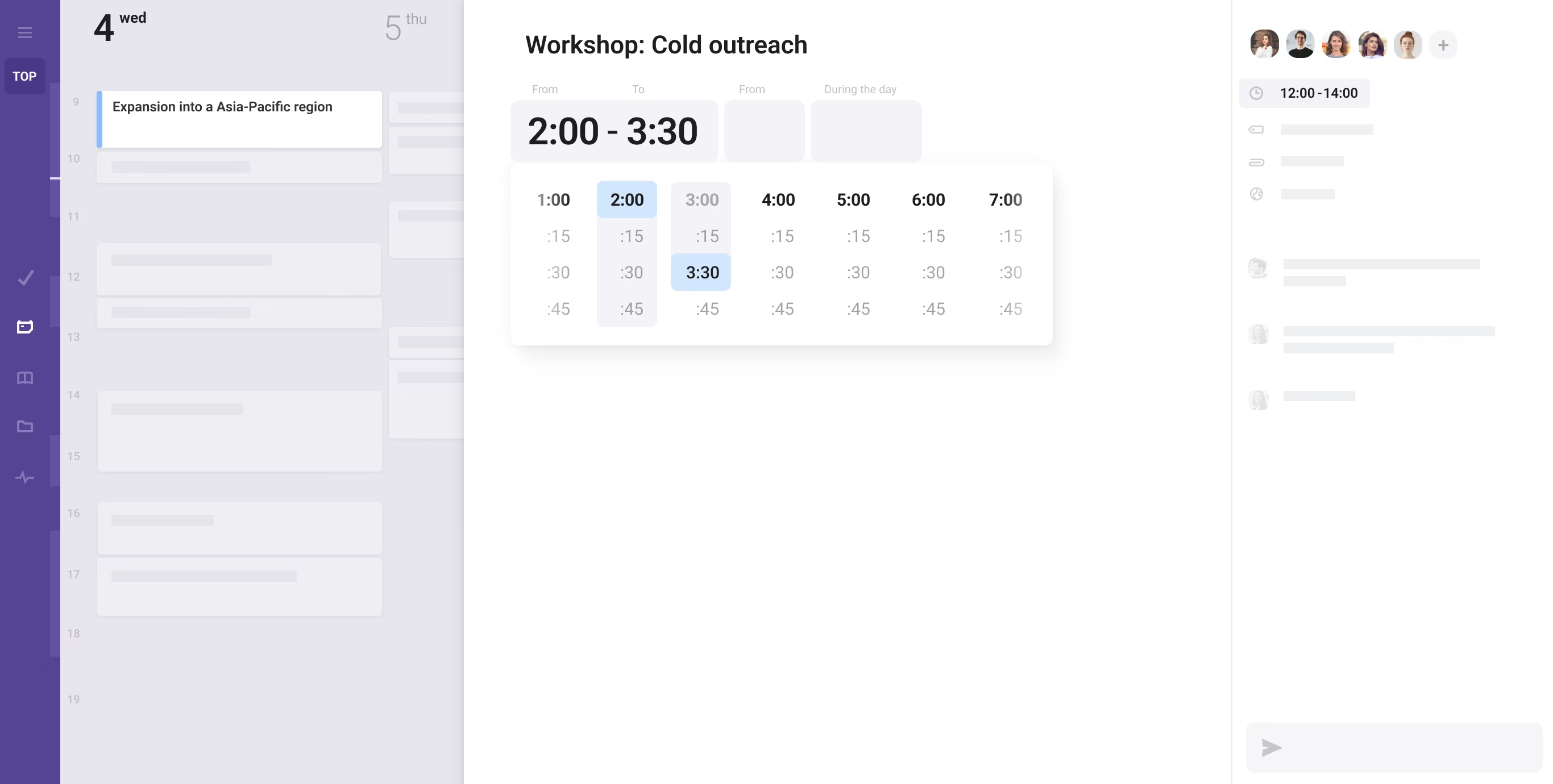
Use meeting templates, follow agendas, take contextual notes
Create related tasks, review meeting history, track outcomes
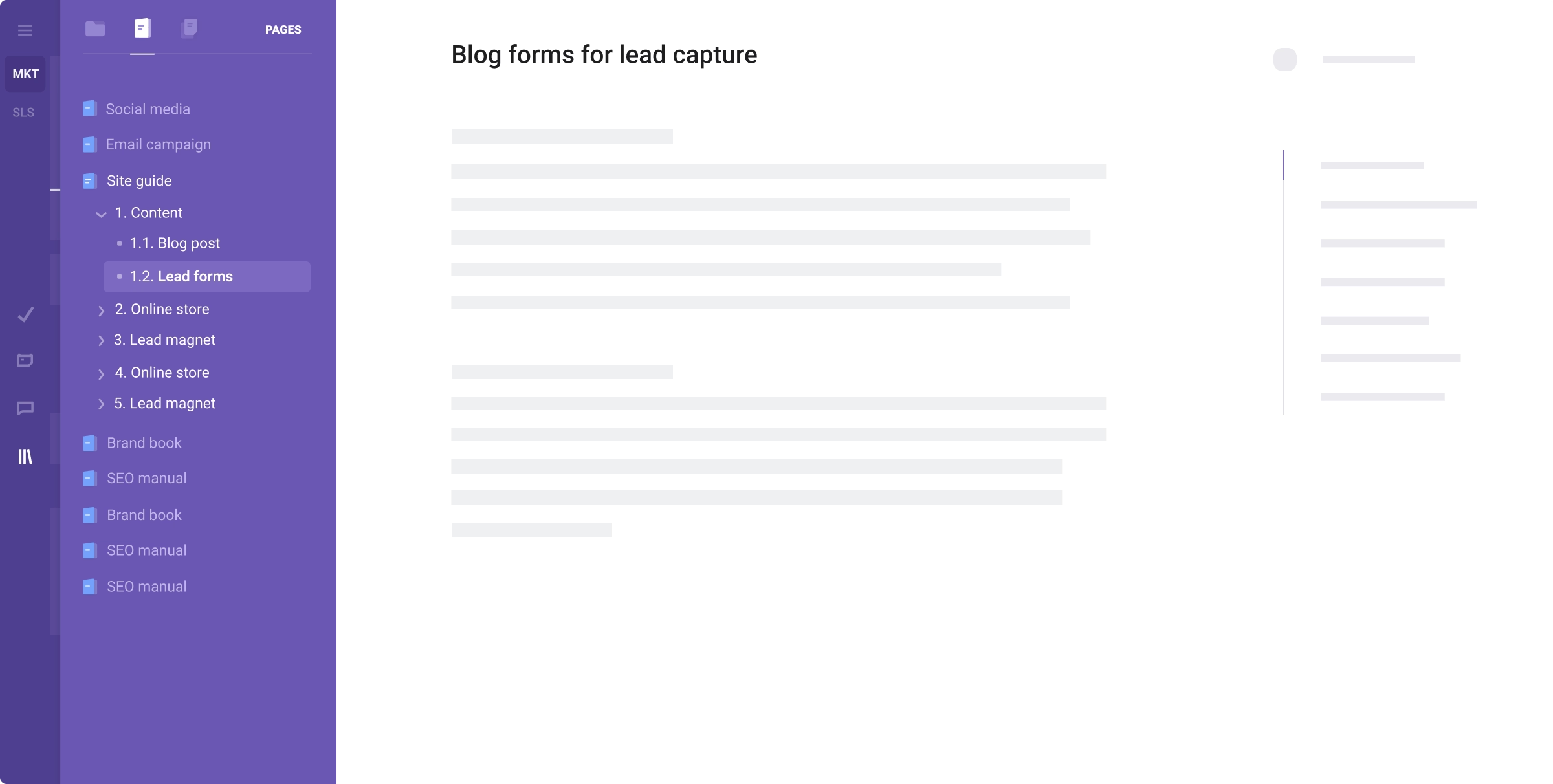
Access, organize, store and quickly find all related/relevant information
Create training materials, standards, and step-by-step guides with ease
Share ideas, knowledge, and documents with your team and the world
Seamlessly link documents and pages to tasks, processes, and cards
Store, structure, unite, discuss info, ideas, and topics within chats & notes
Arrange, quickly find and work with information in channels and branches
Collaborate with colleagues on the topics, brainstorm ideas, share notes
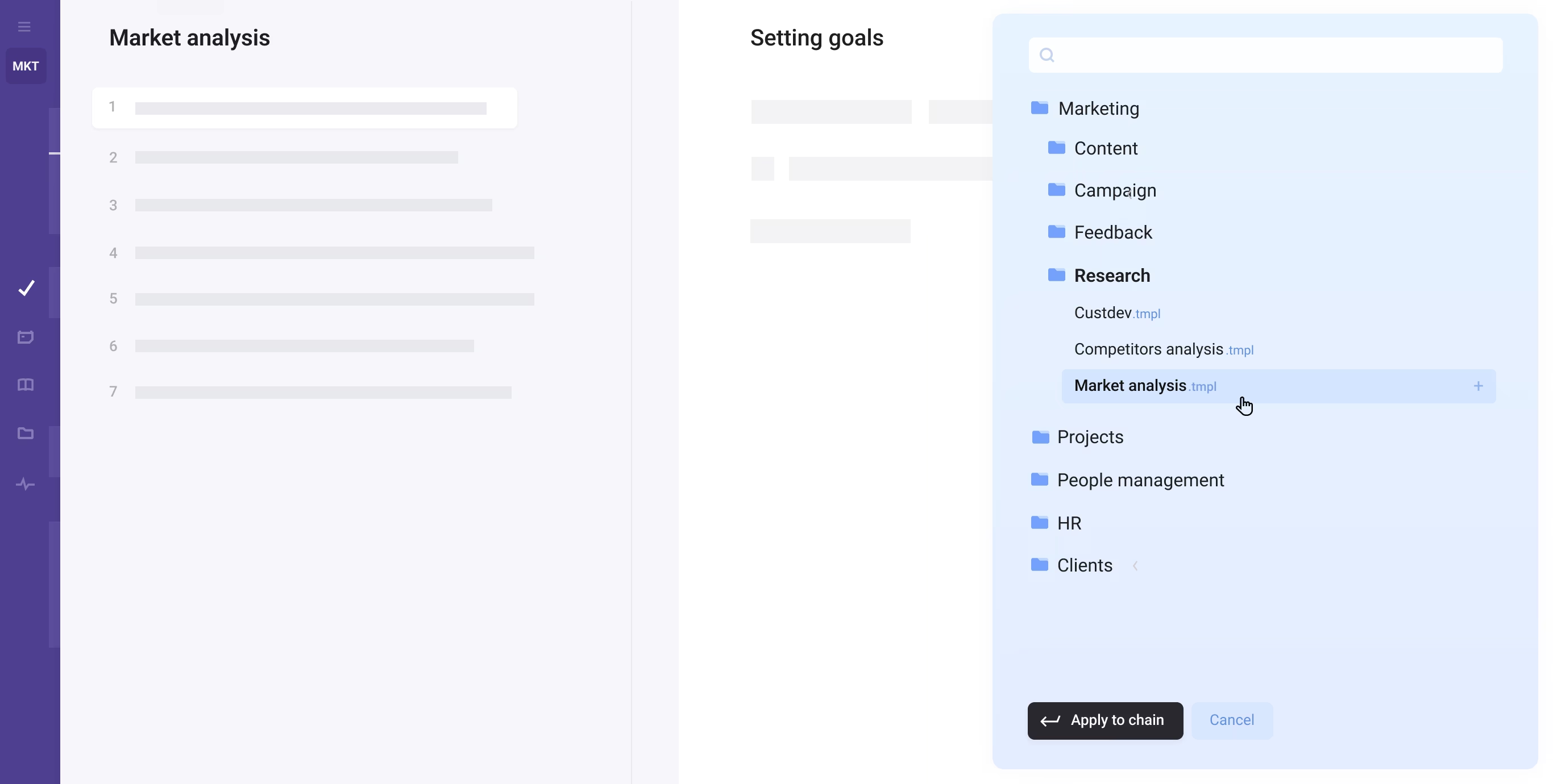
Save best practices as templates and frameworks to be used by team/s
Easily build ready-to-use guidelines and instructions for repetitive cases
Standardize actions within tasks and workflows when/where it's needed
Let people do their best job with step-by-step roadmaps one click away
Ask Actors for invite or follow the white rabbit...
Try your luck ...
Check your inbox (and spam folder if needed, sometimes aliens redirect emails there)
To think new. Act new. Ask smart questions. Think different. Innovate.
Look into the future.

To unite and streamline resources, tools, and people towards objectives.
Create and work in synergy.

To order, structure and systematize work. To visualize and track processes.
To get more by organizing better.
To set priorities. See goals with clarity. Visualize the path, and focus on
what truly matters.

Successful companies are a lot like humans..
Processes are the body's vital systems
Projects are the brain - ideas and goals
Data is the lifeblood and oxygen.Our goal is to connect those concepts together in Acto.
